 polyclaw
Azure Container Apps Deployment
Experimental: ACA deployment is under active development. Expect rough edges, incomplete automation, and breaking changes between releases.
When you select Azure Container Apps in the TUI target picker, the TUI provisions all Azure infrastructure, pushes the image, and deploys a persistent Container App. Unlike Local Docker, the container keeps running after you exit the TUI.
For provisioning Azure AI Services, Key Vault, Content Safety, and other foundational infrastructure, see Bicep Infrastructure. The ACA deployer provisions container hosting; the Bicep deployer provisions AI and supporting resources.
Prerequisites
- Azure CLI (
az) installed and logged in - Docker running locally (the deployer pushes a pre-built local image – build it first with
docker build -t polyclaw:latest .or by running Local Docker once)
If az is not installed or you are not logged in, the ACA option is greyed out in the target picker with a status message.
How It Works
- Launch the TUI with
./scripts/run-tui.sh(see Quickstart) - Select “Azure Container Apps” from the target picker
- The TUI provisions all infrastructure and deploys the container
- Once the health check passes, you land in the TUI dashboard
- The container keeps running after you exit – reconnect anytime by relaunching the TUI
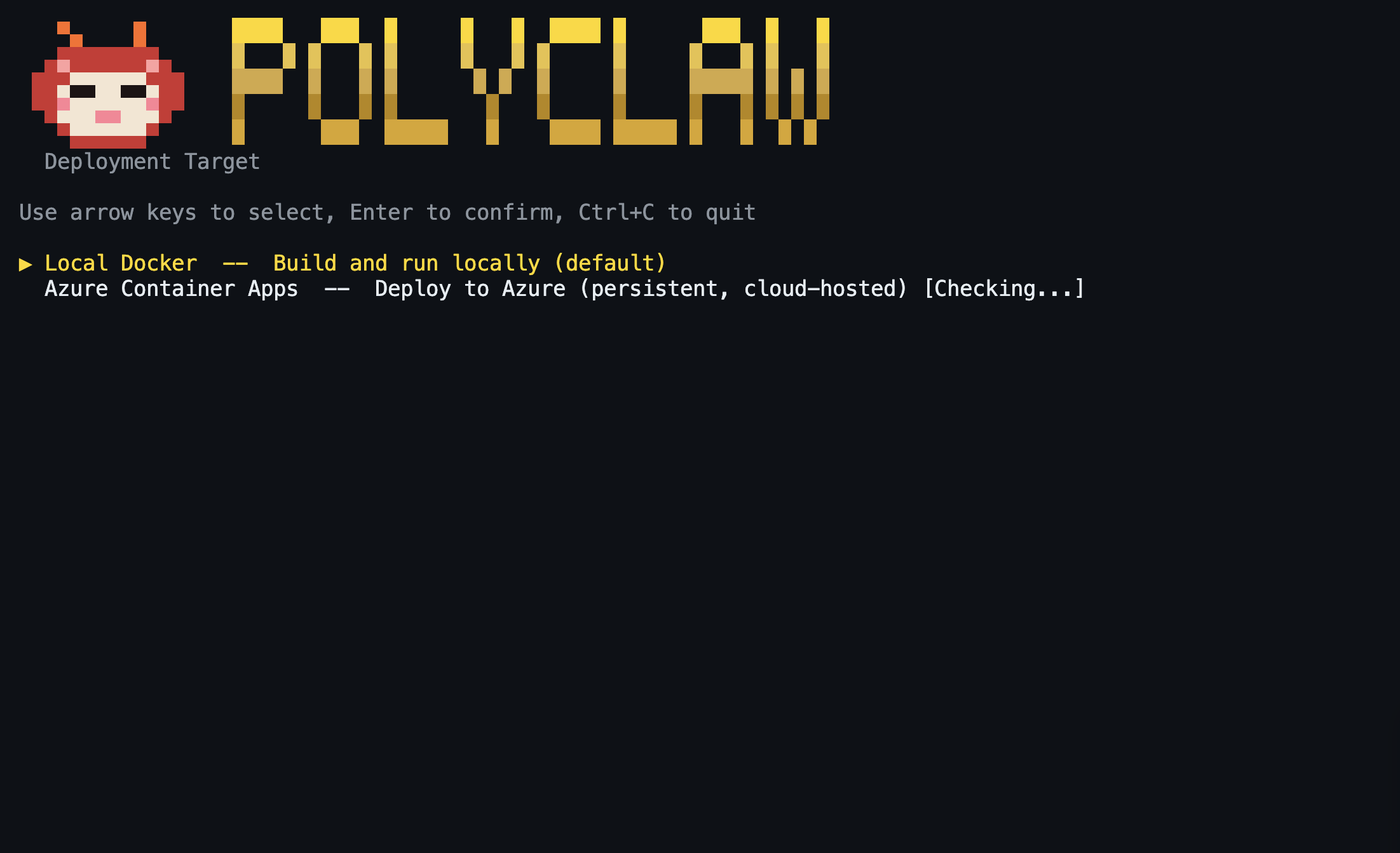
The TUI handles the entire provisioning and deployment sequence automatically, streaming progress in real time.
What Gets Provisioned
The TUI creates the following Azure resources in a single resource group:
| Resource | Purpose |
|---|---|
| Resource Group | Contains all deployment resources (default: polyclaw-rg) |
| Azure Container Registry | Stores the Polyclaw Docker image (Basic SKU) |
| User-Assigned Managed Identity | Scoped runtime identity (polyclaw-runtime-mi) |
| Container Apps Environment | Hosts the Container App |
| Container App | Runs the Polyclaw runtime container (2 CPU, 4 GiB RAM, 1 replica) |
The deployment sequence is:
- Clean up stale resources from previous deployments in the resource group
- Create the resource group
- Load environment variables from
.env(resolve@kv:Key Vault references) - Create Azure Container Registry (Basic SKU)
- Push the pre-built local image to ACR (the image must already exist as
polyclaw:latest) - Create a user-assigned managed identity (
polyclaw-runtime-mi) - Assign RBAC roles to the identity (with retries for propagation delays)
- Create the Container Apps environment
- Create the runtime Container App (2 CPU, 4 GiB RAM, 1 replica, external ingress)
- Restrict ingress to the deployer’s public IP (skipped if IP detection fails)
After deployment, the ACA configuration (ACA_RUNTIME_FQDN, ACA_ACR_NAME, ACA_ENV_NAME, ACA_MI_RESOURCE_ID, ACA_MI_CLIENT_ID, RUNTIME_URL) is written to the .env file in the data directory, and a deployment record is saved to deployments.json in the same directory.
Reconnecting
When you relaunch the TUI with an existing ACA deployment, it reads ACA_RUNTIME_FQDN from the .env file and the deployment record from deployments.json in the data directory. If the Container App still exists, it connects directly, skipping the build and provisioning steps.
Persistent Storage
Unlike Local Docker (which uses Docker named volumes), the ACA runtime container does not mount persistent external storage by default. Configuration, auth state, and runtime data are seeded at startup from environment variables and ACA secrets. For persistent state across redeployments, use the admin container’s .env file and re-run the deployer when needed.