 polyclaw
Local Docker Deployment
When you select Local Docker in the TUI target picker, the TUI builds the Docker image, starts both admin and runtime containers via docker compose, and connects automatically. The container lifecycle is tied to the TUI process – both containers stop when you exit.
How It Works
- Launch the TUI with
./scripts/run-tui.sh(see Quickstart) - Select “Local Docker” from the target picker
- The TUI builds the image and starts both containers via
docker compose up -d - Once the admin health check passes, you land in the TUI dashboard
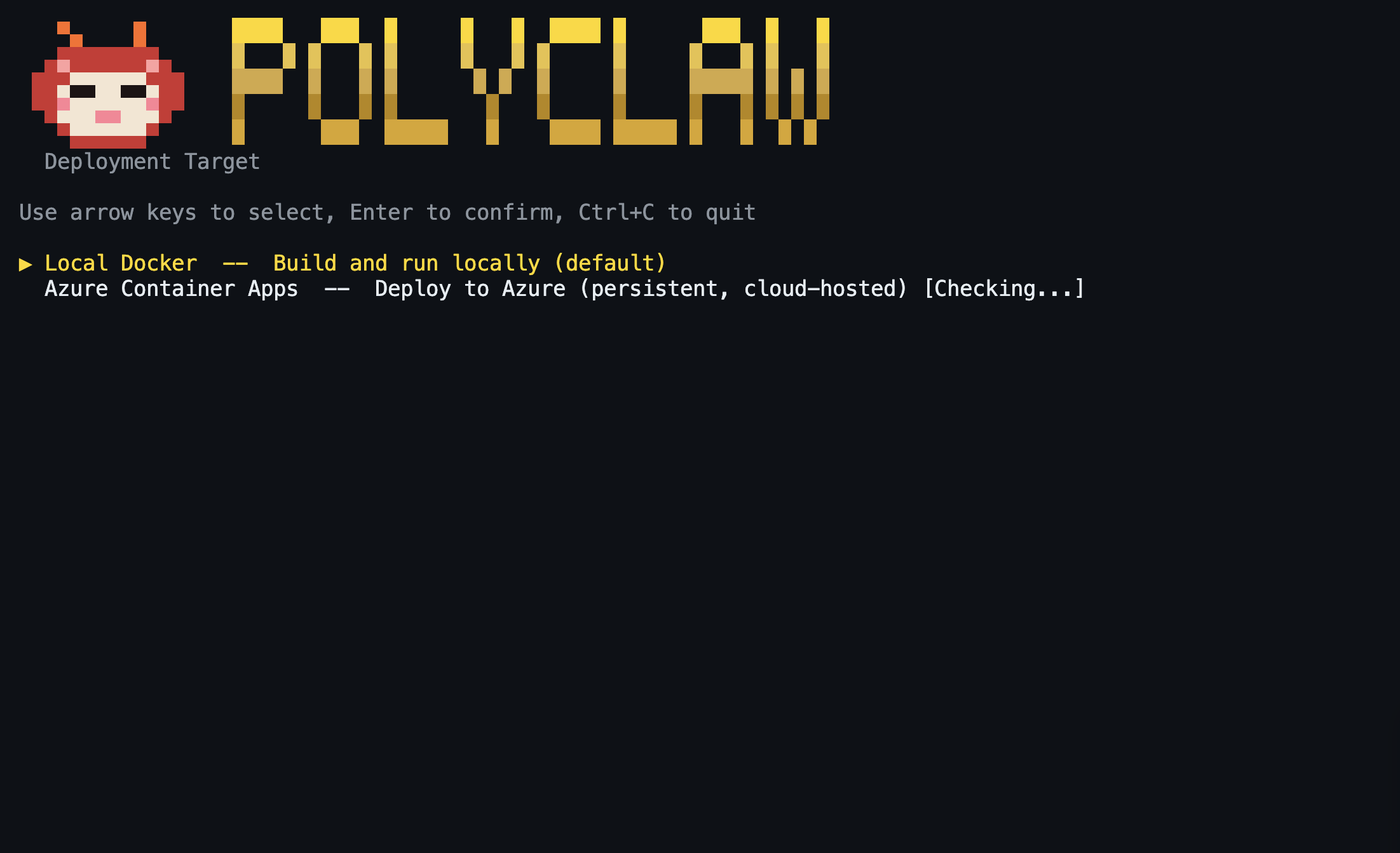
The TUI handles the full build-deploy-healthcheck cycle and streams build output in real time.
What Gets Built
The Dockerfile uses a two-stage build:
| Stage | Base Image | What It Does |
|---|---|---|
| Frontend | node:22-slim | Runs npm ci and npm run build to produce the Vite/React dashboard |
| Runtime | python:3.12-slim | Installs the Python runtime, Node.js 22, and all system tools |
Bundled Tools
The image includes everything the agent needs to operate:
- Azure CLI (
az) – infrastructure provisioning, Bicep deployments, BYOK token acquisition - Cloudflare tunnel (
cloudflared) – automatic public endpoint for webhooks - Playwright MCP + Chromium – headless browser for web-based skills
- Python runtime – the Polyclaw server, agent, and all backend services
- React dashboard – embedded frontend static assets
Ports
| Port | Container | Service |
|---|---|---|
9090 | admin | Admin server and web dashboard (configurable via ADMIN_PORT) |
3978 | runtime | Bot Framework webhook endpoint |
Persistent Data
The TUI creates two Docker named volumes that persist across restarts:
| Volume | Mount | Container | Contents |
|---|---|---|---|
polyclaw-data | /data | both | Agent config, .env, skills, plugins, memory, scheduler state |
polyclaw-admin-home | /admin-home | admin only | Azure CLI authentication state |
Because these are named Docker volumes, your data survives even when the containers are stopped and recreated on the next TUI launch.
Container Entrypoint
Each container runs the same entrypoint script, which branches on POLYCLAW_MODE:
- Sets
HOMEbased on container mode:/admin-home(admin container),/runtime-home(runtime container), or/data(combined/legacy) - Symlinks the Bicep binary into
$AZURE_CONFIG_DIR/binsoaz bicepworks regardless of HOME - Loads environment variables from the shared persisted
.envfile - Resolves any
@kv:Key Vault secret references (if configured) - Authenticates the runtime container’s Azure identity (service principal with retries, or managed identity)
- Starts the server:
polyclaw-admin --admin-only(admin) orpolyclaw-admin --runtime-only(runtime)
What Happens on Exit
When you exit the TUI (Ctrl+C or /quit), both containers are stopped via docker compose down. The named volumes are preserved, so the next launch picks up where you left off – same configuration, same auth state, same data.
Integrations Deployed Automatically
These services start automatically inside the container without any manual configuration:
| Service | Description |
|---|---|
| Cloudflare tunnel | Exposes a public HTTPS endpoint for Bot Framework webhooks |
| Playwright browser | Headless Chromium for web-based skills and MCP servers |
| Bot Service | Azure Bot registration using the tunnel URL (if Azure CLI is authenticated) |
All other integrations (voice, Key Vault, sandbox, additional MCP servers) are optional and configured through the Setup Wizard or the Web Dashboard after deployment.