polyclaw
Runtime Isolation
Polyclaw separates the admin plane from the agent runtime into independent containers. This architecture enforces credential isolation and provides a smaller attack surface for the runtime.
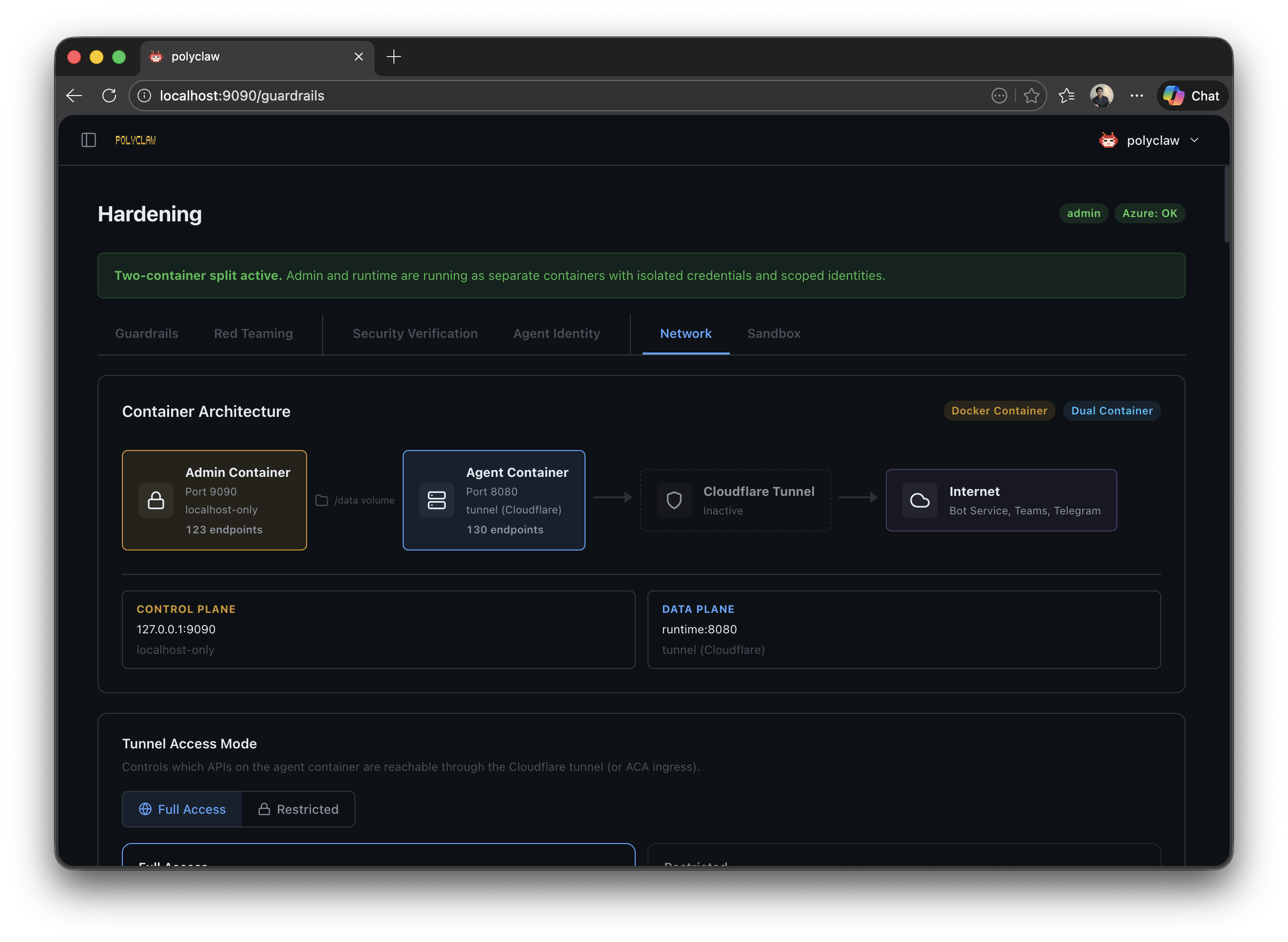
Container Split
| Container | Port | Purpose | Admin Secret |
|---|---|---|---|
| Admin | 9090 | UI, configuration, deployment, MCP management, identity provisioning | Yes |
| Runtime | 8080 (internal) / 3978 (Bot webhook) | Agent execution, tool invocation, chat, bot webhook | No |
Both containers share a /data volume for session data and configuration. Each has its own HOME directory (/admin-home and /runtime-home respectively).
Docker Compose
The docker-compose.yml at the repository root defines both containers:
services:
  admin:
    build: .
    image: polyclaw
    container_name: polyclaw-admin
    environment:
      POLYCLAW_MODE: admin
      POLYCLAW_DATA_DIR: /data
      ADMIN_PORT: "9090"
      RUNTIME_URL: "http://runtime:8080"
    ports:
      - "127.0.0.1:9090:9090"
    volumes:
      - polyclaw-admin-home:/admin-home
      - polyclaw-data:/data
      - /var/run/docker.sock:/var/run/docker.sock
    healthcheck:
      test: ["CMD", "curl", "-sf", "http://localhost:9090/health"]
      interval: 5s
      timeout: 3s
      retries: 10
      start_period: 10s
    restart: unless-stopped

  runtime:
    build: .
    image: polyclaw
    container_name: polyclaw-runtime
    environment:
      POLYCLAW_MODE: runtime
      POLYCLAW_DATA_DIR: /data
      ADMIN_PORT: "8080"
    ports:
      - "3978:3978"
    volumes:
      - polyclaw-data:/data
    depends_on:
      admin:
        condition: service_healthy
    restart: unless-stopped

volumes:
  polyclaw-admin-home:
    name: polyclaw-admin-home
  polyclaw-data:
    name: polyclaw-data
Start both containers with:
docker compose up
The admin container handles all configuration, deployment, and management tasks. The runtime container executes the agent with its scoped identity.
Azure Container Apps (Experimental)
Experimental: ACA deployment is under active development. Expect rough edges, incomplete automation, and breaking changes between releases.
When deploying to Azure Container Apps via the TUI, the admin container runs locally and the ACA deployer provisions the runtime Container App in Azure using a 10-step pipeline:
- Cleanup stale resources
- Create/verify resource group
- Load environment variables (resolve
@kv:prefixes) - Create Azure Container Registry
- Push Docker image to ACR
- Create user-assigned managed identity
- Assign RBAC roles (with retries for propagation delays)
- Create ACA environment
- Create runtime container app (2 CPU, 4 GiB memory, 1 replica, external ingress)
- IP whitelist (auto-detects public IP)
The runtime container receives: POLYCLAW_MODE=runtime, POLYCLAW_USE_MI=1, and the managed identity client ID. Secret environment variables (RUNTIME_SP_PASSWORD, ACS_CALLBACK_TOKEN, etc.) are stored as ACA secrets.
Identity per Container
| Mode | Azure Identity | Credential Source |
|---|---|---|
| Admin | Your personal Azure CLI session | Device-code login |
| Runtime (Docker) | Service principal (polyclaw-runtime) | Client ID + secret from .env |
| Runtime (ACA) | User-assigned managed identity (polyclaw-runtime-mi) | ACA platform |
See Agent Identity for RBAC role details.
Route Separation
Admin-only routes: setup, configuration, deployment, guardrails settings, tool activity queries, MCP management, identity provisioning.
Runtime-only routes: chat WebSocket, agent execution, tool invocation callbacks, bot framework webhook.
The admin container proxies unmatched /api/* requests to the runtime container (via RUNTIME_URL). This allows the admin UI to reach runtime-only endpoints without exposing the runtime server port externally.
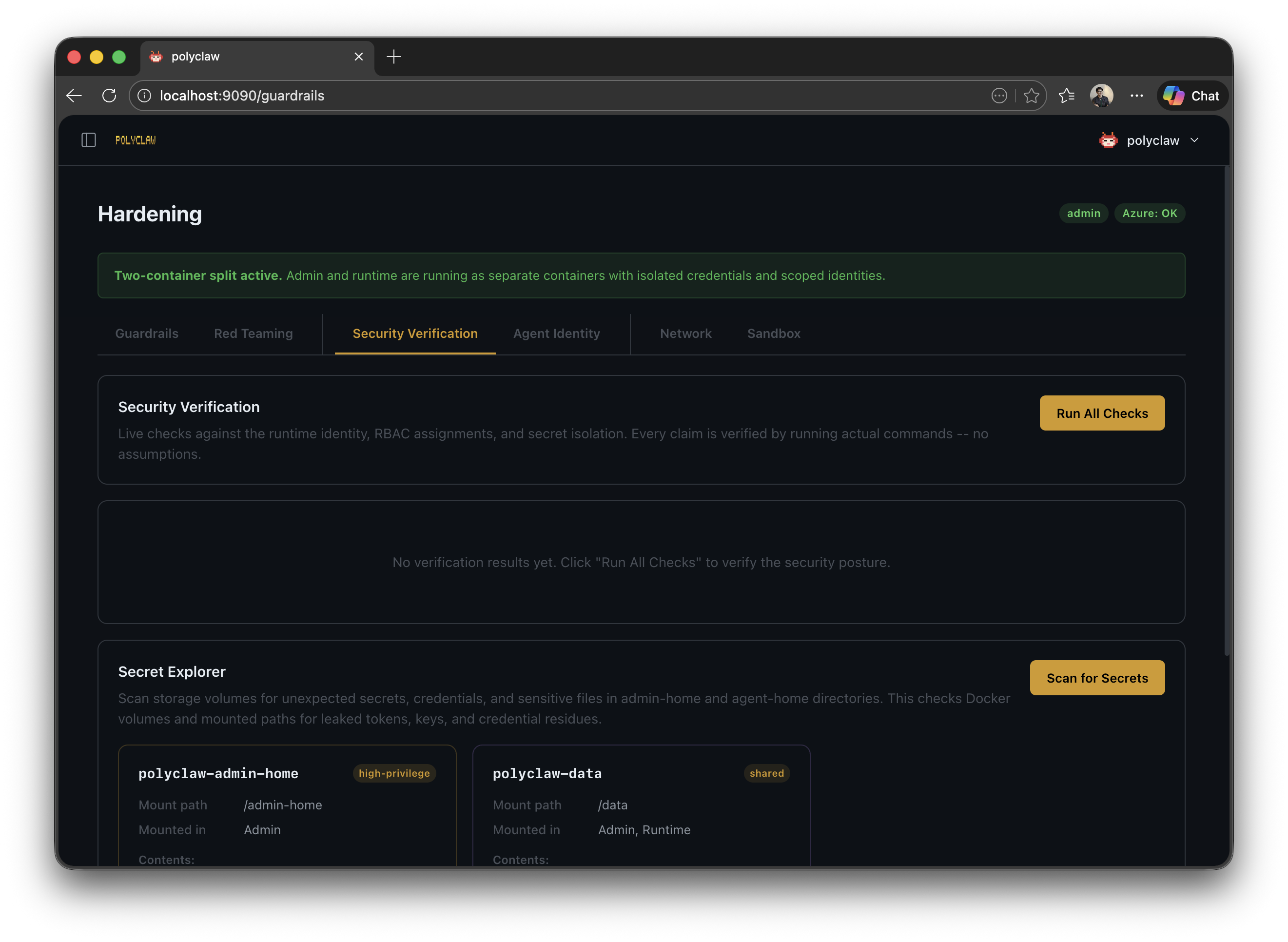
Security Verification
The security preflight checker validates the separated runtime setup:
- HOME directories are separated (
secret_admin_cli_isolated) - Runtime identity exists and has valid credentials
- RBAC assignments are correct and scoped to resource group level
- No elevated roles are assigned