 polyclaw
Agent Identity
Polyclaw provisions a dedicated Azure identity for the agent runtime with least-privilege RBAC. The agent no longer operates under your personal Azure CLI session – it has its own credential scope, its own role assignments, and its own HOME directory.
Why a Separate Identity
In earlier versions, the agent shared your Azure CLI session. Every Azure API call the agent made carried your personal credentials. If your account could delete a resource group, so could the agent.
The agent identity model changes this. The runtime container authenticates as a service principal (Docker) or user-assigned managed identity (Azure Container Apps) with only the roles it needs. In BYOK mode, the runtime uses Entra ID bearer tokens to call the Foundry AI Services endpoint. Your personal Azure session stays on the admin container, which handles configuration and deployment. The runtime never sees your admin secret or personal Azure credentials.
Identity Strategies
| Strategy | Deployment Target | Identity Type |
|---|---|---|
| Service Principal | Docker / Docker Compose | App registration (polyclaw-runtime) with client secret |
| Managed Identity | Azure Container Apps | User-assigned managed identity (polyclaw-runtime-mi) |
Both strategies are provisioned automatically through the Setup Wizard or TUI. The provisioner creates the identity, assigns RBAC roles, and writes the credentials to the environment.
RBAC Roles
The runtime identity is assigned the minimum roles required for agent operation:
| Role | Scope | Purpose |
|---|---|---|
| Azure Bot Service Contributor Role | Resource group | Create, update, and delete bot registrations |
| Reader | Resource group | Enumerate resources in the group |
| Key Vault Secrets Officer | Key Vault resource | Read and write secrets (bot credentials, env vars) |
| Azure ContainerApps Session Executor | Session pool | Execute code in sandbox sessions (if sandbox is configured) |
| Cognitive Services User | Content Safety resource | Call Prompt Shields and content moderation APIs (if content safety is configured) |
| No elevated roles (Owner, Contributor, User Access Administrator, Role Based Access Control Administrator) are assigned. The security preflight checker verifies this and warns if any elevated roles are detected. |
Credential Isolation
The separated container architecture enforces credential separation at the filesystem level:
| Container | HOME Directory | Admin Secret | Azure CLI Session |
|---|---|---|---|
| Admin | /admin-home | Yes | Personal (your identity) |
| Runtime | /runtime-home | No | Service principal or managed identity |
The runtime container authenticates using its provisioned identity on startup. It tries managed identity first (when running on Azure Container Apps), falls back to service principal (Docker), and degrades gracefully if neither is available.
Provisioning
From the Setup Wizard
The infrastructure settings page includes an Agent Identity card. Clicking Provision creates the identity and assigns RBAC roles. The card shows the current identity status, strategy, and application ID.
From the TUI
The TUI deployment flow provisions the identity automatically as part of the Azure Container Apps deployment pipeline.
Manually
The provisioning API lives under the setup namespace:
GET /api/setup/runtime-identity– returns current identity statePOST /api/setup/runtime-identity/provision– creates (or rotates) the service principal and assigns RBAC roles; accepts{"resource_group": "..."}in the request bodyPOST /api/setup/runtime-identity/revoke– removes the service principal and clears env vars
For user-assigned managed identity (ACA target), provisioning runs automatically as part of the ACA deployment pipeline and is not exposed as a separate API endpoint.
The identity inspection API provides read-only and remediation operations:
GET /api/identity/info– resolved identity details (strategy, app ID, display name, principal ID)GET /api/identity/roles– full RBAC assignment list with per-role compliance checksPOST /api/identity/fix-roles– assign missing required roles (Content Safety, Foundry OpenAI User, Session Executor)
Security Preflight
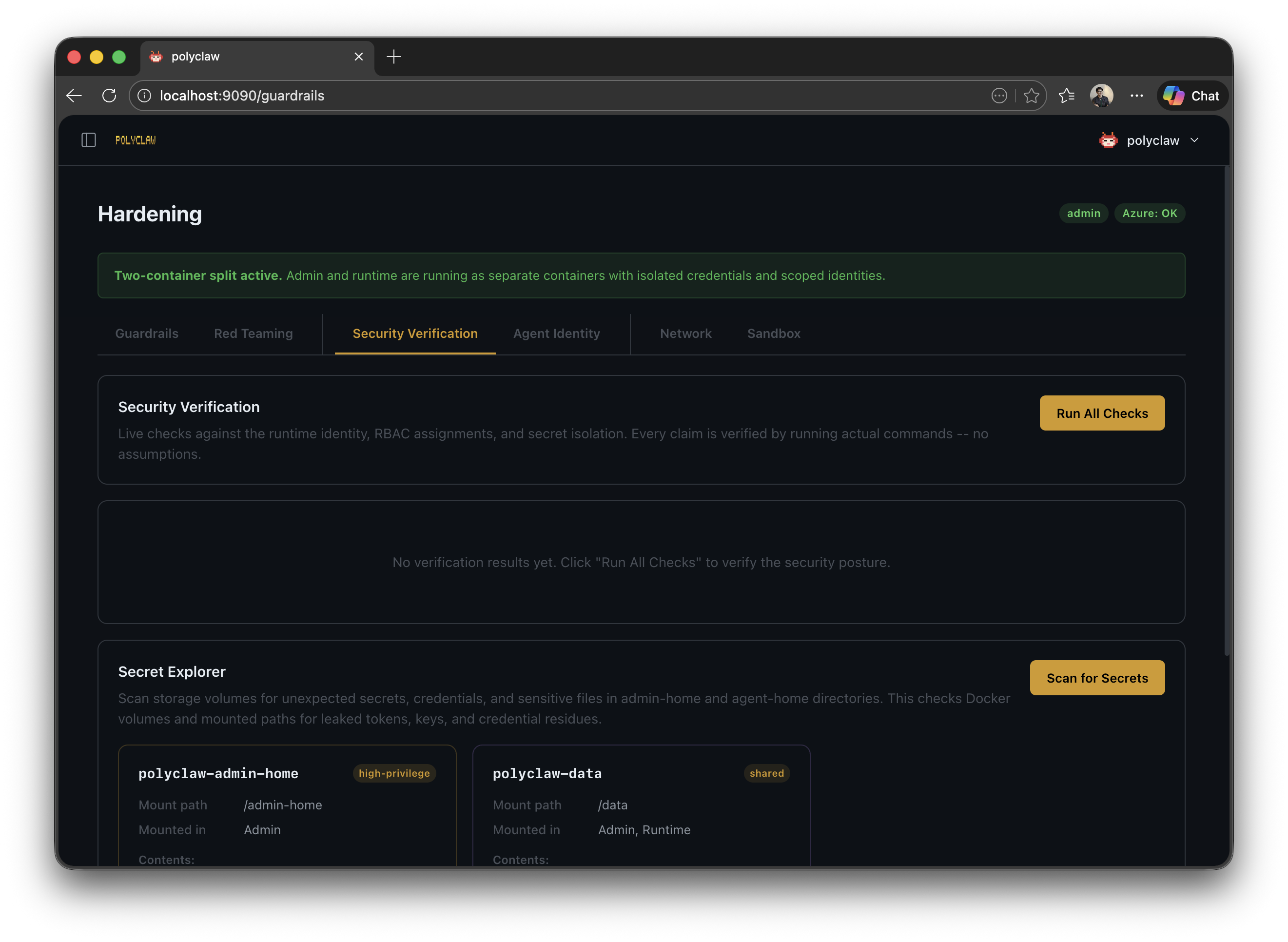
The security preflight checker validates the identity configuration with evidence-based checks:
Identity checks:
- Azure CLI session is active
- Service principal or managed identity credentials are present
- The identity exists in Entra ID
- Credential expiry is verified (SP only)
RBAC checks:
- Role assignments can be enumerated
- Required roles (Bot Contributor, Reader, KV access, Session Executor, Cognitive Services User, Cognitive Services OpenAI User) are present
- No elevated roles are assigned
- All assignments are scoped to the resource group level or below (no subscription or management group scope)
Secret isolation checks:
- HOME directories are separated between admin and runtime
- Bot credentials, admin secret, and ACS callback tokens are properly configured
- Key Vault is reachable
- SP credentials are persisted to the environment file
Each check produces a pass, fail, warn, or skip status along with the raw evidence (command output) for auditability.
Foundry BYOK Authentication
When FOUNDRY_ENDPOINT is configured, the runtime authenticates with Azure AI Services using Entra ID bearer tokens. The service principal (or managed identity) must have the Cognitive Services OpenAI User role on the AI Services resource. The fix-roles endpoint (POST /api/identity/fix-roles) resolves the Foundry resource from the endpoint hostname and assigns this role automatically if missing.
The BYOK provider acquires tokens via az account get-access-token --resource https://cognitiveservices.azure.com and passes them to the Copilot SDK session configuration.