polyclaw
Messaging & Bot Framework
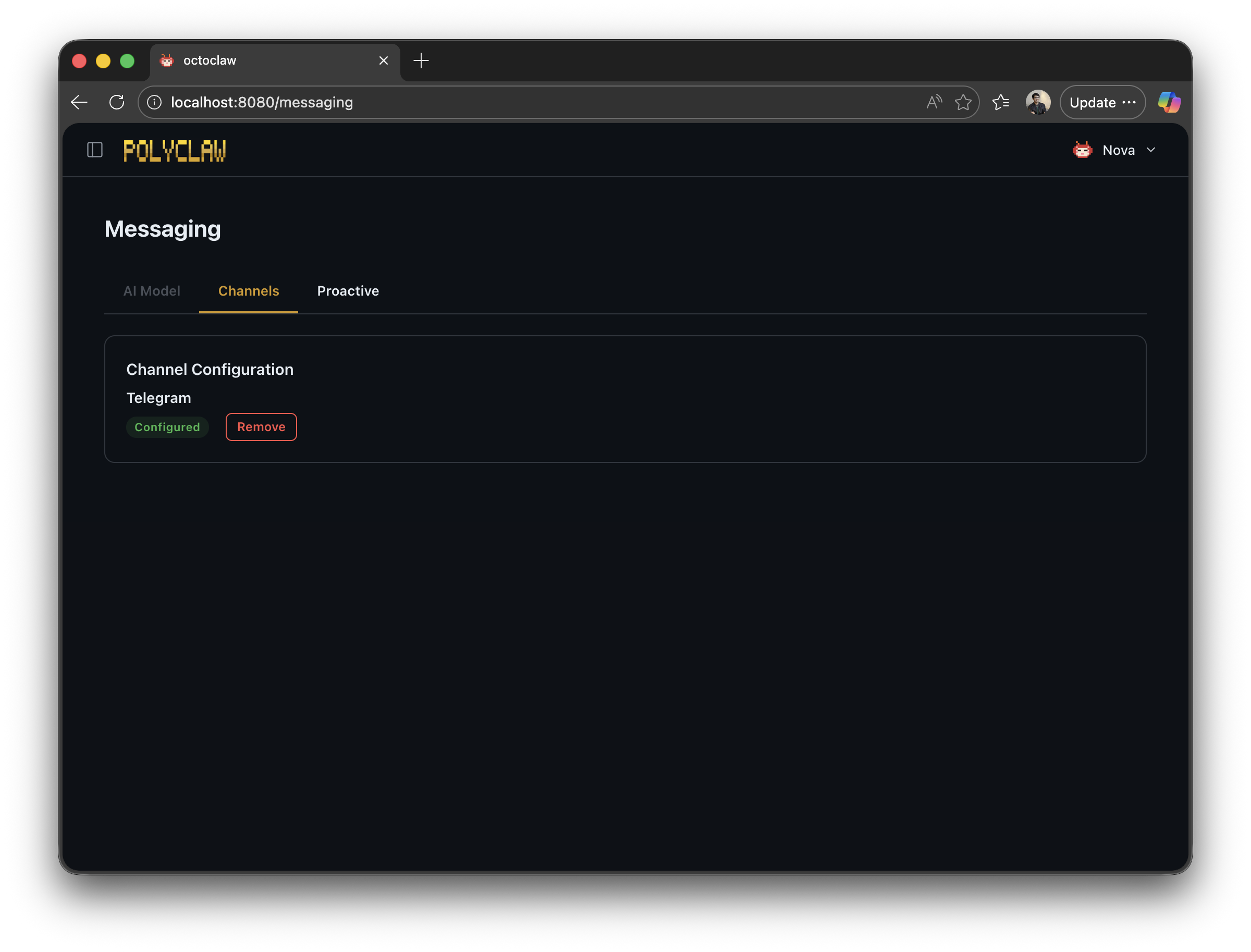
Polyclaw integrates with the Azure Bot Framework to support messaging channels (currently Telegram is the only channel implemented, but extending to additional Bot Service-supported channels such as LINE, Teams, etc. is trivial).
Architecture
The messaging system consists of:
| Component | Module | Purpose |
|---|---|---|
Bot | messaging/bot.py | Activity handler, routing, authorization |
MessageProcessor | messaging/message_processor.py | Background message processing |
CardQueue | messaging/cards.py | Rich card enqueue/drain |
CommandDispatcher | messaging/commands.py | Slash command routing |
ConversationReferenceStore | messaging/proactive.py | Conversation reference storage and proactive send |
Message Flow
- Azure Bot Service delivers an activity to
POST /api/messages BotEndpointvalidates the request via Bot Framework SDK authenticationPolyclawBot.on_message_activity()handles the message:- Checks Telegram whitelisting
- Stores the conversation reference
- Detects slash commands
- Downloads media attachments
- An immediate typing indicator is sent (to avoid the 15-second webhook timeout)
MessageProcessorprocesses the message in a background task- The agent generates a response via the Copilot SDK
- The response is delivered via proactive messaging to the stored conversation reference
Rich Cards
The CardQueue provides thread-safe card management with an enqueue/drain pattern. Available card tools:
Adaptive Card
{
  "type": "AdaptiveCard",
  "body": [
    { "type": "TextBlock", "text": "Hello!", "size": "Large" }
  ]
}
Hero Card
A card with a title, subtitle, image, and action buttons.
Thumbnail Card
A compact card with a small image and text.
Card Carousel
Multiple cards displayed in a horizontal carousel.
Media Handling
When a user sends a file or image:
- The attachment is downloaded from the Bot Framework CDN
- Classified by MIME type (image, audio, video, file)
- Stored in
~/.polyclaw/media/incoming/ - A media-aware prompt is built for the agent
When the agent generates content with files:
- File references are extracted from the response text via regex
- Files are moved to
pending/for delivery - Attached to the proactive message
- Moved to
sent/on success orerror/on failure
Conversation References
Stored in ~/.polyclaw/conversation_refs.json. Each channel/conversation pair is saved so that proactive messages can be sent later without an incoming trigger.
Telegram-Specific Behavior
- Messages are formatted as plain text (no Markdown cards)
- User ID whitelisting via
TELEGRAM_WHITELIST - Media attachments are handled differently from Teams
Note: After a container restart or fresh deployment, it may take a few minutes for the Telegram channel to become fully operational. During this window the runtime is starting a Cloudflare tunnel, recreating the Bot Service resource, and reconfiguring the Telegram channel. Messages sent by users during this period will be received by Azure Bot Service but may fail to reach the agent (you may see HTTP 530 errors or “Failed to validate incoming Telegram message” in the Bot Service logs). Once the tunnel is up and the channel is configured, normal message delivery resumes automatically. No action is required – just wait for the startup sequence to complete.
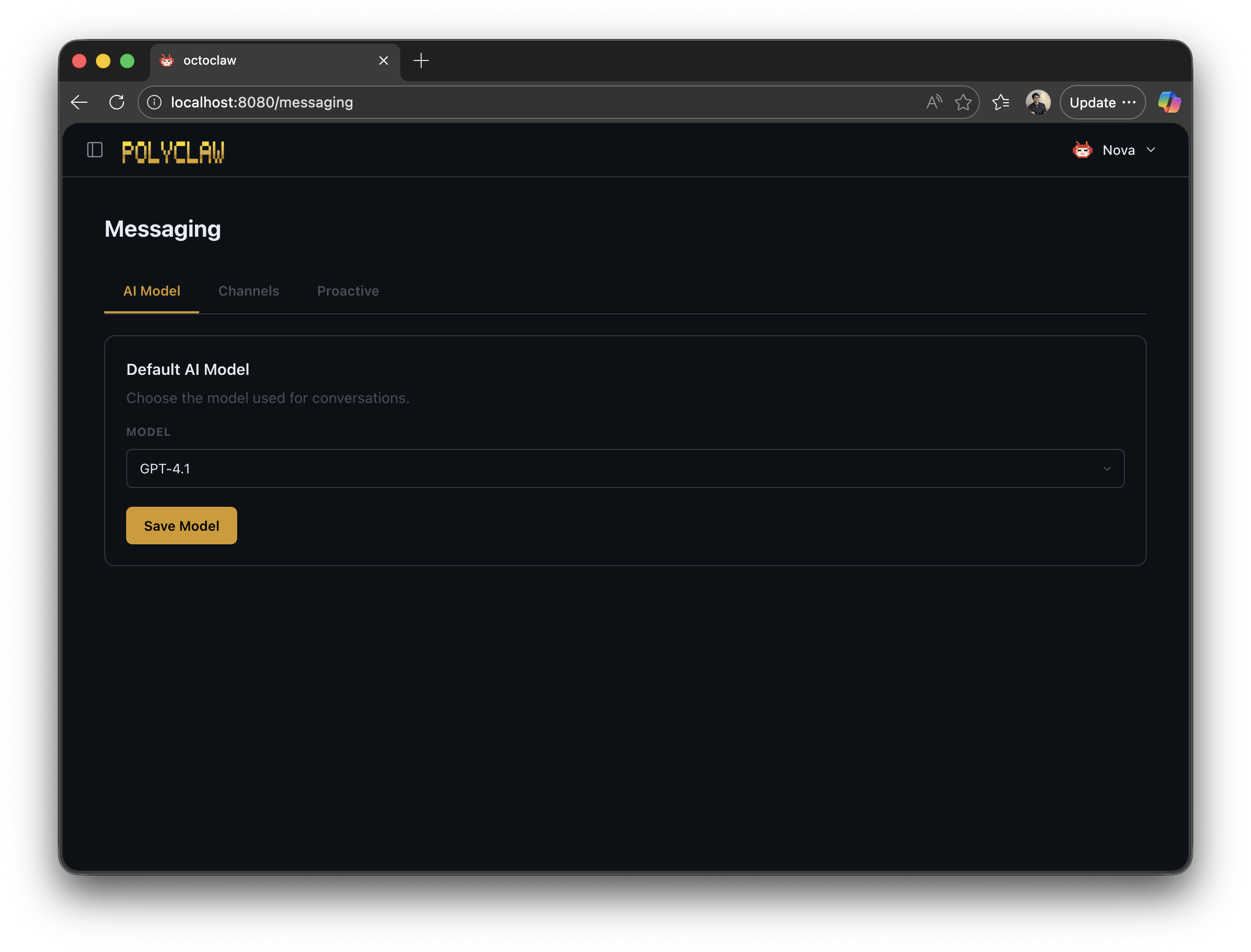
Default Model
The web dashboard lets you set the default Copilot model used for new chat sessions across all channels.
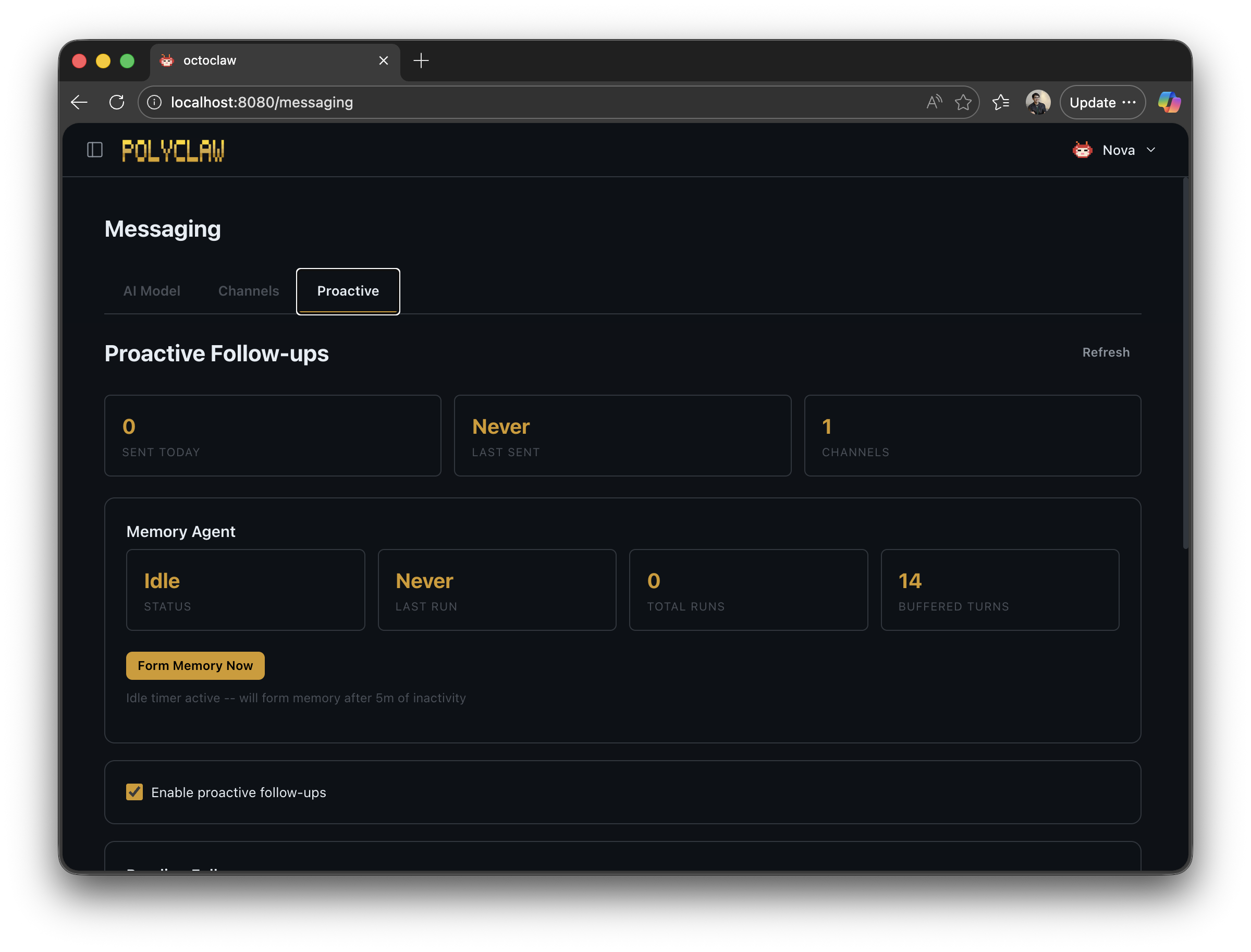
Proactive Messaging
The proactive messaging page controls whether the agent should autonomously reach out to users without an incoming message.