 polyclaw
Bundled Plugins
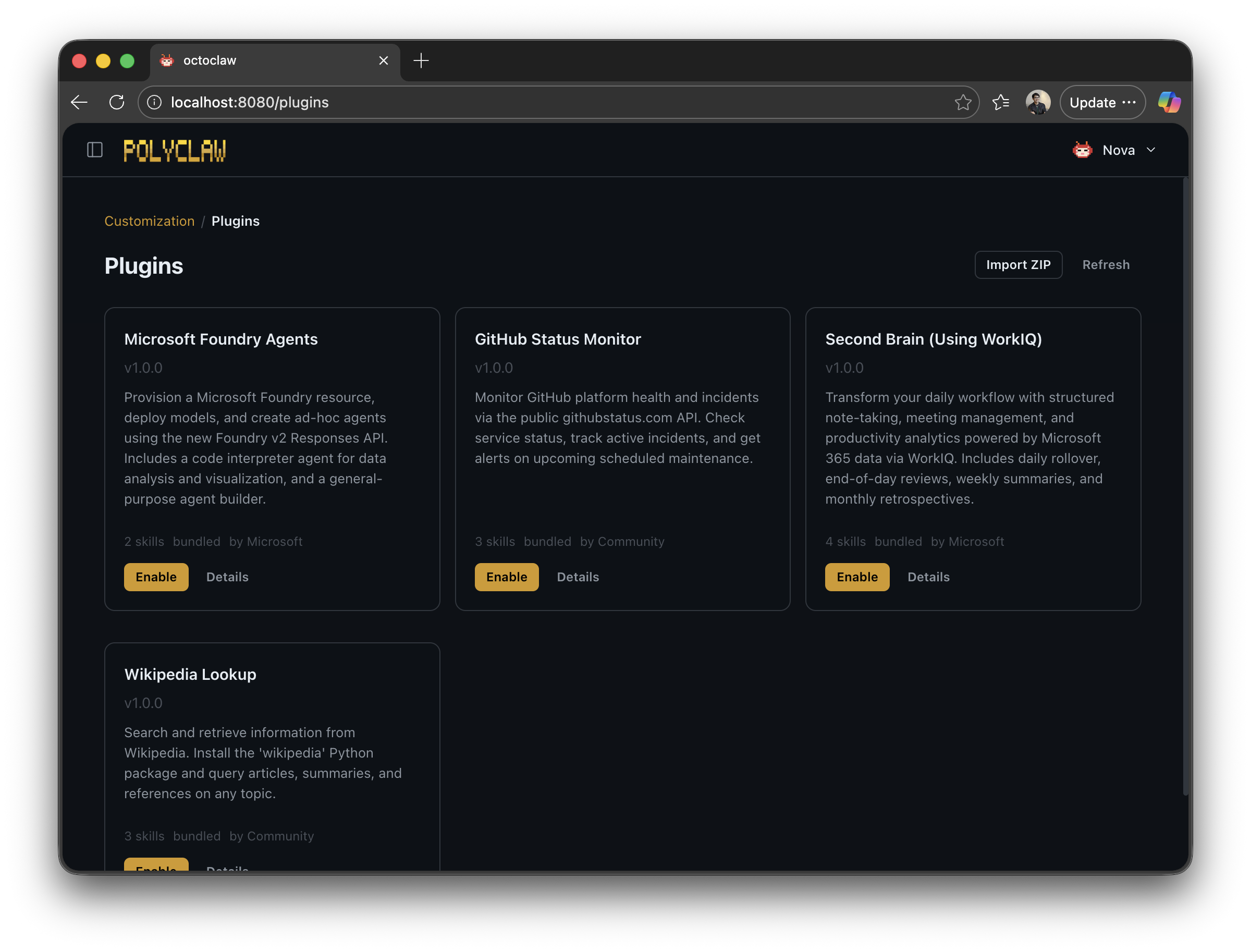
Polyclaw ships with these plugins in the plugins/ directory.
Foundry Agents
| Field | Value |
|---|---|
| ID | foundry-agents |
| Name | Microsoft Foundry Agents |
| Description | Provision a Foundry resource, deploy models, and create ad-hoc agents using the Foundry v2 Responses API |
| Default | Disabled |
Includes a code interpreter agent for data analysis and visualization, and a general-purpose agent builder.
Dependencies
azCLIazure-ai-projects(pip)azure-identity(pip)openai(pip)
Skills
- foundry-code-interpreter – Data analysis and visualization agent
- foundry-agent-chat – General-purpose agent builder
Setup
First-run setup (setup-foundry) walks you through provisioning an Azure AI Foundry resource and model deployment.
GitHub Status
| Field | Value |
|---|---|
| ID | github-status |
| Name | GitHub Status Monitor |
| Description | Monitor GitHub platform health and incidents via the githubstatus.com API |
| Default | Disabled |
Check service status, track active incidents, and get alerts on upcoming scheduled maintenance.
Dependencies
curlCLI
Skills
- gh-status-check – Query current platform health
- gh-incidents – View active and recent incidents
- gh-maintenance – Check scheduled maintenance windows
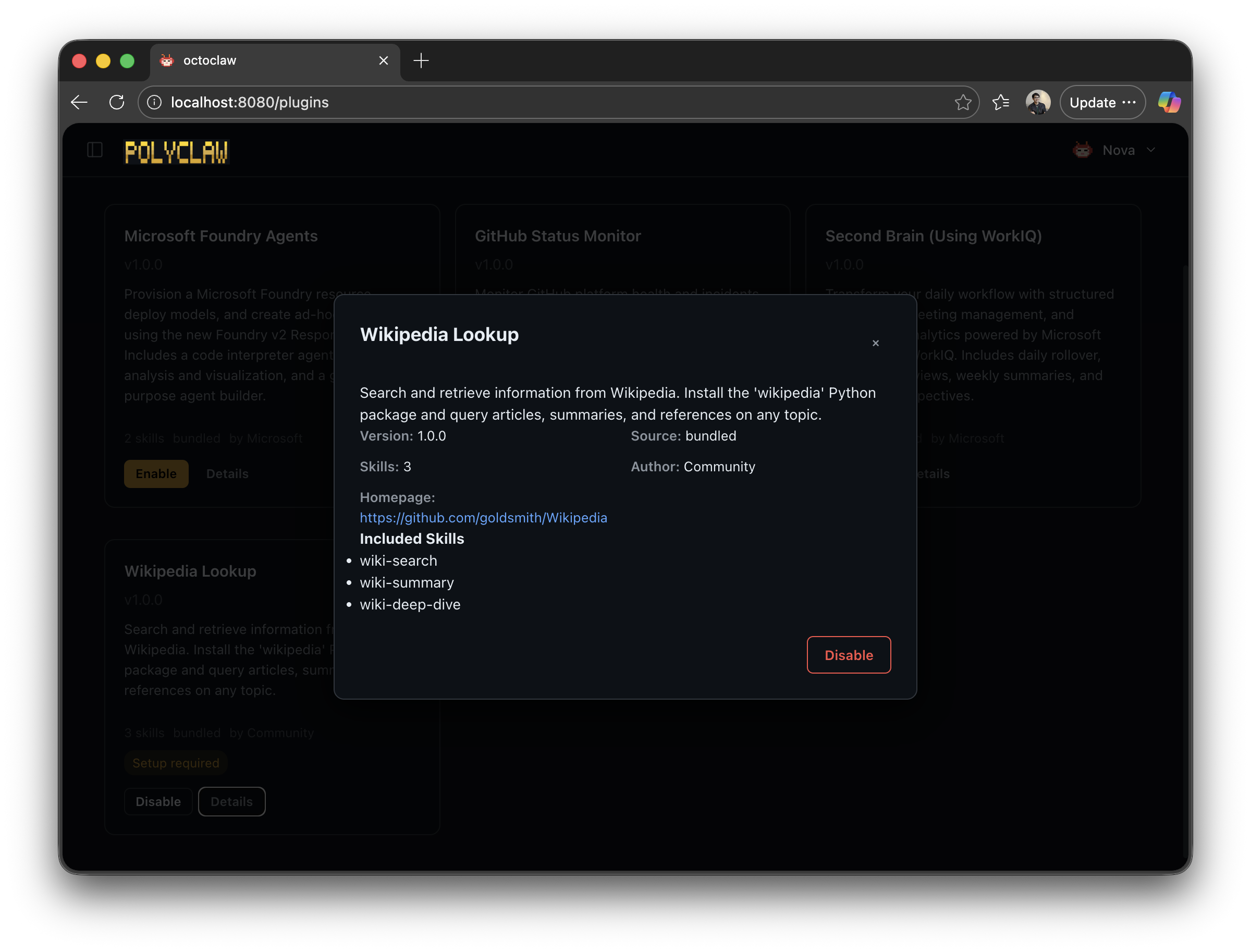
Wikipedia Lookup
| Field | Value |
|---|---|
| ID | wikipedia-lookup |
| Name | Wikipedia Lookup |
| Description | Search and retrieve information from Wikipedia |
| Default | Disabled |
Search Wikipedia and retrieve article summaries, references, and in-depth topic analysis.
Dependencies
wikipedia(pip)
Skills
- wiki-search – Search Wikipedia articles
- wiki-summary – Get article summaries
- wiki-deep-dive – In-depth article analysis
Setup
First-run setup (setup-wikipedia) installs the wikipedia Python package automatically.
Second Brain (Using WorkIQ)
| Field | Value |
|---|---|
| ID | second-brain-workiq |
| Name | Second Brain (Using WorkIQ) |
| Description | Structured note-taking, meeting management, and productivity analytics via WorkIQ |
| Default | Disabled |
Pulls meeting schedules, summaries, and productivity analytics from Microsoft 365 via the WorkIQ CLI. Includes daily rollover, end-of-day reviews, weekly summaries, and monthly retrospectives.
Dependencies
workiqCLI
Skills
- daily-rollover – Roll over unfinished tasks and pull today’s meeting schedule
- end-day – Fetch meeting summaries and update the daily note with outcomes
- weekly-review – Consolidate daily notes and review task completion
- monthly-review – Generate a monthly retrospective with productivity analytics
Setup
First-run setup (setup-workiq) installs and authenticates the WorkIQ CLI.