 polyclaw
Creating Plugins
Plugins are self-contained packages that extend Polyclaw with new skills and capabilities.
Plugin Structure
my-plugin/
  PLUGIN.json        # Required: plugin manifest
  skills/
    my-skill/
      SKILL.md       # Skill definition
      (other files)  # Supporting files
PLUGIN.json Manifest
The manifest defines the plugin metadata, dependencies, and bundled skills.
{
  "id": "my-plugin",
  "name": "My Plugin",
  "description": "A custom plugin for Polyclaw",
  "version": "1.0.0",
  "author": "Your Name",
  "homepage": "https://github.com/you/my-plugin",
  "icon": "wrench",
  "default_enabled": false,
  "skills": [
    "my-skill"
  ],
  "dependencies": {
    "pip": ["some-package>=1.0"],
    "cli": ["some-cli-tool"]
  },
  "setup_skill": "my-skill",
  "setup_message": "Let's configure My Plugin. I'll need your API key."
}
Manifest Fields
| Field | Required | Description |
|---|---|---|
id | Yes | Unique identifier (lowercase, hyphens) |
name | Yes | Display name |
description | Yes | Short description |
version | Yes | Semantic version |
author | No | Plugin author |
homepage | No | URL to plugin homepage or repo |
icon | No | Icon name or emoji |
default_enabled | No | Whether enabled on first discovery (default: false) |
skills | No | Array of skill directory names (strings) |
dependencies | No | Required tools and packages |
setup_skill | No | Skill directory name to run during initial setup |
setup_message | No | Message shown when setup begins |
Plugin Locations
Polyclaw discovers plugins from two directories:
| Location | Type | Description |
|---|---|---|
plugins/ (project root) | Built-in | Shipped with Polyclaw, read-only |
~/.polyclaw/plugins/ | User | Installed by user, read-write |
Plugin Lifecycle
Installation
- Upload a ZIP file through the web dashboard or place the directory in the plugins folder
- Polyclaw discovers the
PLUGIN.jsonmanifest - The plugin appears in the plugin registry
Enabling
- User enables the plugin via dashboard, slash command, or API
- Skill directories are copied to
~/.polyclaw/skills/
Setup Flow
If setup_skill is defined:
- The setup skill is activated
setup_messageis presented to the user- The agent runs the setup conversation
- On completion,
complete_setup()removes the setup skill marker
Disabling
- Plugin skill directories are removed from
~/.polyclaw/skills/ - Plugin state is updated to disabled
Managing Plugins
Via Web Dashboard
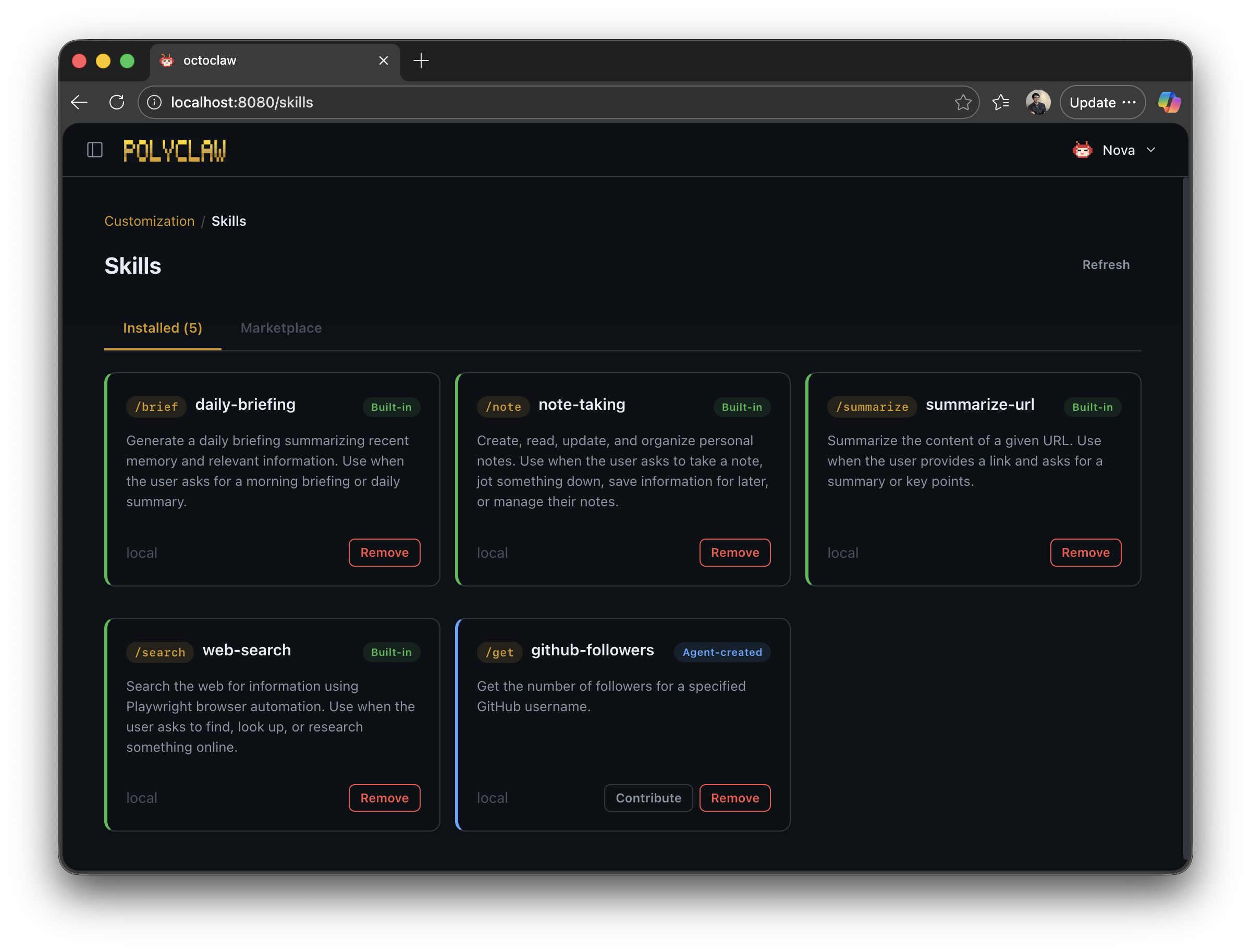
The Plugins page shows all discovered plugins with enable/disable toggles.
Via Slash Commands
/plugins                # List all plugins
/plugin enable <id>     # Enable a plugin
/plugin disable <id>    # Disable a plugin
Via API
GET    /api/plugins                    # List plugins
GET    /api/plugins/<id>               # Get plugin details
POST   /api/plugins/<id>/enable        # Enable
POST   /api/plugins/<id>/disable       # Disable
GET    /api/plugins/<id>/setup         # Get setup skill content
POST   /api/plugins/<id>/setup         # Mark setup complete
POST   /api/plugins/import             # Upload ZIP
DELETE /api/plugins/<id>               # Remove user plugin
Example: Creating a Weather Plugin
weather-plugin/
  PLUGIN.json
  skills/
    weather/
      SKILL.md
PLUGIN.json:
{
  "id": "weather",
  "name": "Weather",
  "description": "Get weather forecasts",
  "version": "1.0.0",
  "skills": [
    "weather"
  ],
  "dependencies": {
    "pip": ["requests"]
  }
}
skills/weather/SKILL.md:
---
name: Weather Lookup
description: Get current weather and forecasts for any city
verb: weather
---

# Weather Lookup

When asked about weather, use the following approach:
1. Identify the city from the user's message
2. Call the weather API endpoint
3. Format the response with temperature, conditions, and forecast